 e7m
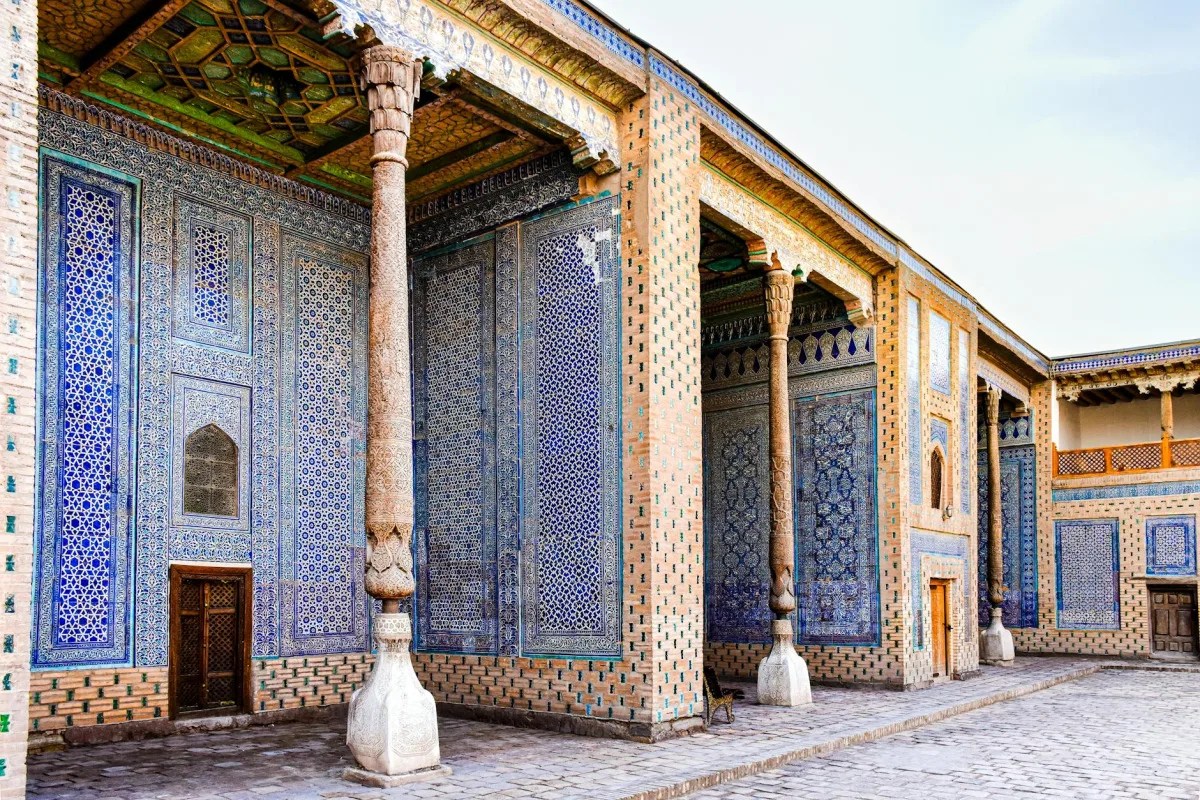
Traveling to Uzbekistan and worried about expensive roaming charges? An eSIM solves this cleanly. Instead of paying your home carrier $10–15/day for roaming, you activate a local or regional data plan before landing — no physical SIM swap needed. It takes under five minutes and works on most modern smartphones.
📡 What Is eSIM and How It Works
An eSIM (embedded SIM) is a digital SIM card built into your device. Instead of inserting a plastic card, you download a carrier profile via a QR code or app. Your phone stores multiple profiles simultaneously, so you can keep your home number active while using a local data plan abroad.
The technology is based on the GSMA RSP standard. Once a profile is installed, it behaves exactly like a physical SIM — registering on local networks, routing calls and data through the assigned carrier.
📱 Compatible Devices
Before purchasing an eSIM for Uzbekistan, confirm your device supports the technology. Common compatible models include:
- iPhone: XS and newer (XS, XR, 11, 12, 13, 14, 15 series)
- Samsung Galaxy: S20 and newer, Z Fold/Flip series
- Google Pixel: 3 and newer
- iPad: Pro (2018+), Air (3rd gen+), Mini (5th gen+)
Important: your device must be carrier-unlocked. Phones locked to a specific carrier will reject third-party eSIM profiles.
🛒 How to Buy and Install an eSIM
You can purchase an eSIM for Uzbekistan from international eSIM providers before your trip. Browse available eSIM plans for Uzbekistan on e7m.net — plans start from around $3–5 USD for basic data packages. All payments are processed in USD via standard international cards.
- Visit e7m.net and select Uzbekistan as your destination.
- Choose a plan by data volume and validity (3, 7, or 30 days).
- Complete checkout — you receive a QR code by email.
- On iPhone: go to Settings → Cellular → Add eSIM → Use QR Code. On Android: Settings → Connections → SIM Manager → Add eSIM.
- Scan the QR code and follow on-screen prompts to activate the profile.
- Set the eSIM as your data line; keep your physical SIM for calls if needed.
🇺🇿 How eSIM Works in Uzbekistan
Uzbekistan has solid 4G LTE coverage in major cities including Tashkent, Samarkand, Bukhara, and Namangan. The main operators are Ucell, Beeline UZ, UMS, and Humans. International eSIM providers typically route traffic through one of these networks via roaming agreements.
Expect 4G speeds in urban areas (10–40 Mbps download) and 3G in rural or mountainous regions. Coverage at popular tourist sites like Registan Square or along the Silk Road cities is generally reliable.
💾 Tips to Save Mobile Data
- Download offline maps in Google Maps or Maps.me before your trip.
- Enable Low Data Mode (iOS) or Data Saver (Android) to limit background usage.
- Pre-download Spotify playlists, Netflix episodes, and translation packs over Wi-Fi.
- Turn off auto-updates for apps while roaming.
- Use hotel or restaurant Wi-Fi for video calls and large file transfers.
- Monitor consumption in real time: Settings → Cellular → Current Period.