 e7m
e7m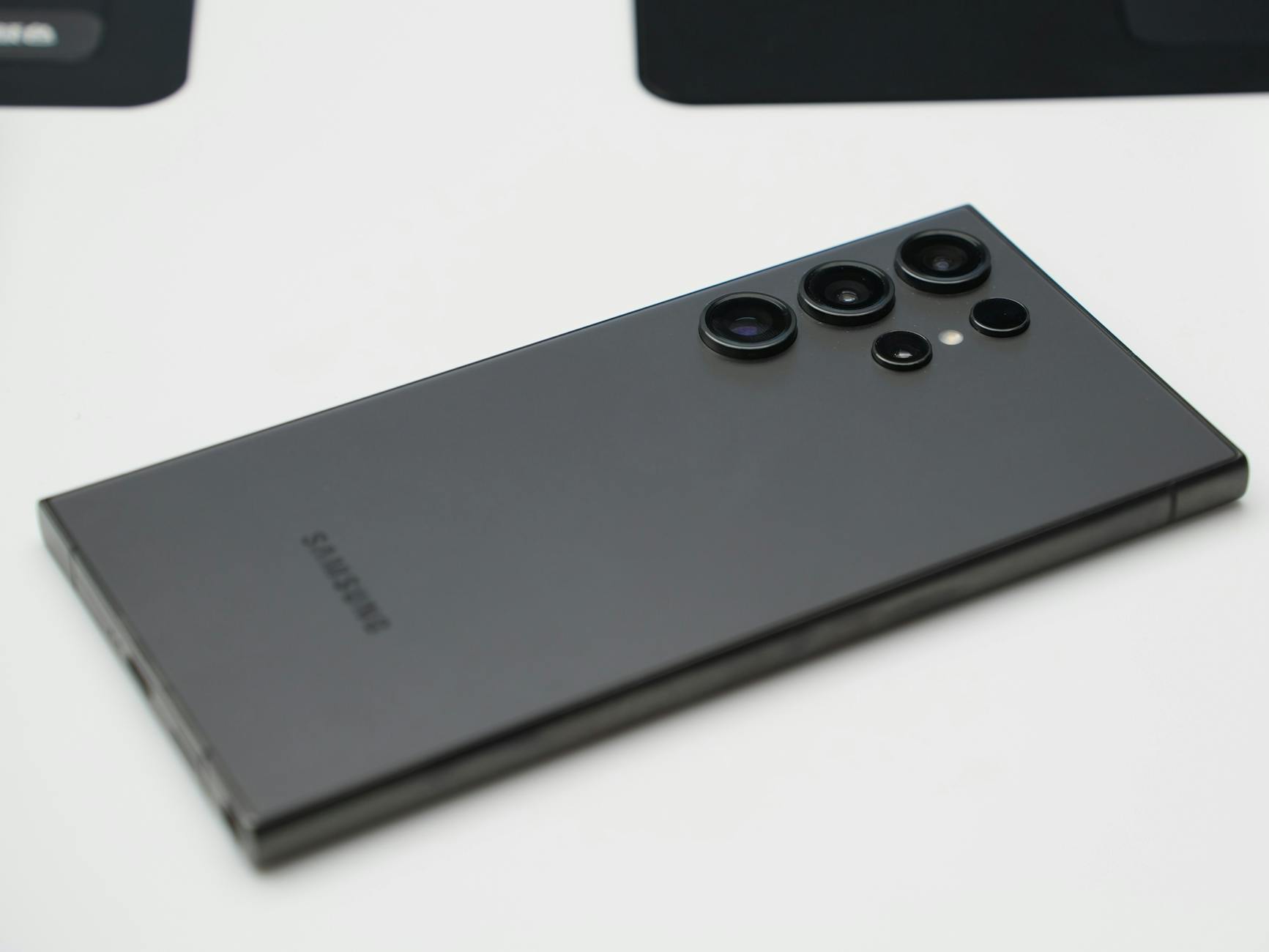
```html
Does Galaxy Z Fold 5 support eSIM
Yes, Galaxy Z Fold 5 supports eSIM. The device works with one physical SIM and one eSIM simultaneously. Exception — Chinese versions and some carrier models: eSIM is disabled in them.
eSIM specifications
| Parameter | Value |
|---|---|
| eSIM support | Yes |
| Number of eSIM | 1 |
| Dual SIM | Yes (1 physical SIM + 1 eSIM) |
| Where to find EID | Settings → About device → Status information |
How to check eSIM support
- Open Settings
- Go to Connections → SIM card manager
- Tap Add eSIM or Add plan
- If the option exists — eSIM is supported
- If the option is missing — you have a non-eSIM version (China/carrier)
Important limitations
⚠️ Warning: SM-F946B/DS models for most markets support eSIM. Chinese versions (SM-F9460) — physical SIM only, eSIM is not available. Some carrier models in the USA may block third-party eSIM. Check the model number before purchasing.
How to set up eSIM
- Open Settings → Connections → SIM card manager
- Tap Add eSIM
- Scan the QR code from your operator or enter the details manually
- Follow the on-screen instructions — the profile will download automatically
- Assign eSIM for calls, SMS, or data
Where to buy eSIM: for travel, it's convenient to buy eSIM at e7m.ru
```