 e7m
e7m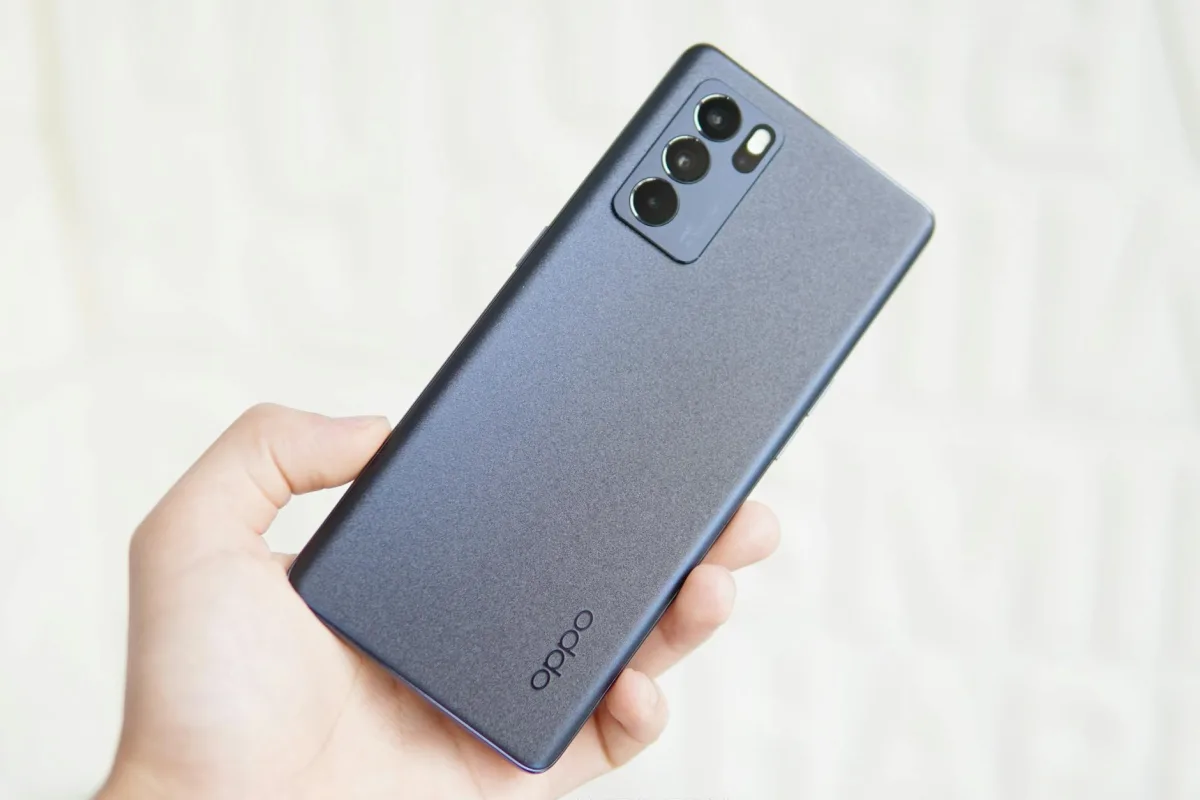
Does OPPO Reno 8 Pro support eSIM
Yes, OPPO Reno 8 Pro supports eSIM. However, support depends on the region: models for some markets (for example, China) may not have eSIM. The global version (CPH2357) — supports it. Check the model before purchasing.
eSIM Specifications
| Parameter | Value |
|---|---|
| eSIM support | Yes (global version CPH2357) |
| Number of eSIMs | 1 active eSIM |
| Dual SIM (nano + eSIM) | Yes, nano-SIM + eSIM simultaneously |
| Where to find EID | Settings → About device |
| How to add eSIM | Settings → Network and Internet → SIM cards |
How to add eSIM to OPPO Reno 8 Pro
- Open Settings and go to Network and Internet.
- Tap SIM card or Manage SIM.
- Select Add eSIM or tap the "+" icon.
- Scan the QR code from your operator or enter the data manually through Enter activation code.
- Confirm the installation and wait for the profile to download (up to 1 minute).
- Assign eSIM for calls, SMS or mobile data in SIM settings.
Frequently Asked Questions
Why won't eSIM activate? Make sure the QR code hasn't been used before — most codes are single-use. Check for internet connection when scanning and verify your firmware is up to date.
How to delete eSIM? Settings → Network and Internet → SIM card → select the desired eSIM profile → Delete eSIM. After deletion, you won't be able to restore the profile using the same QR code.
Can I transfer eSIM to another phone? No, you can't transfer it directly. You need to contact your operator to issue a new QR code and activate it on the new device.
Where to buy eSIM for travel
If you're traveling abroad, it's more convenient to buy a tourist eSIM in advance — without queues and roaming. On e7m.ru eSIMs are available for most countries in the world: you choose your destination, receive a QR code via email and scan it directly from your OPPO Reno 8 Pro.
```