 e7m
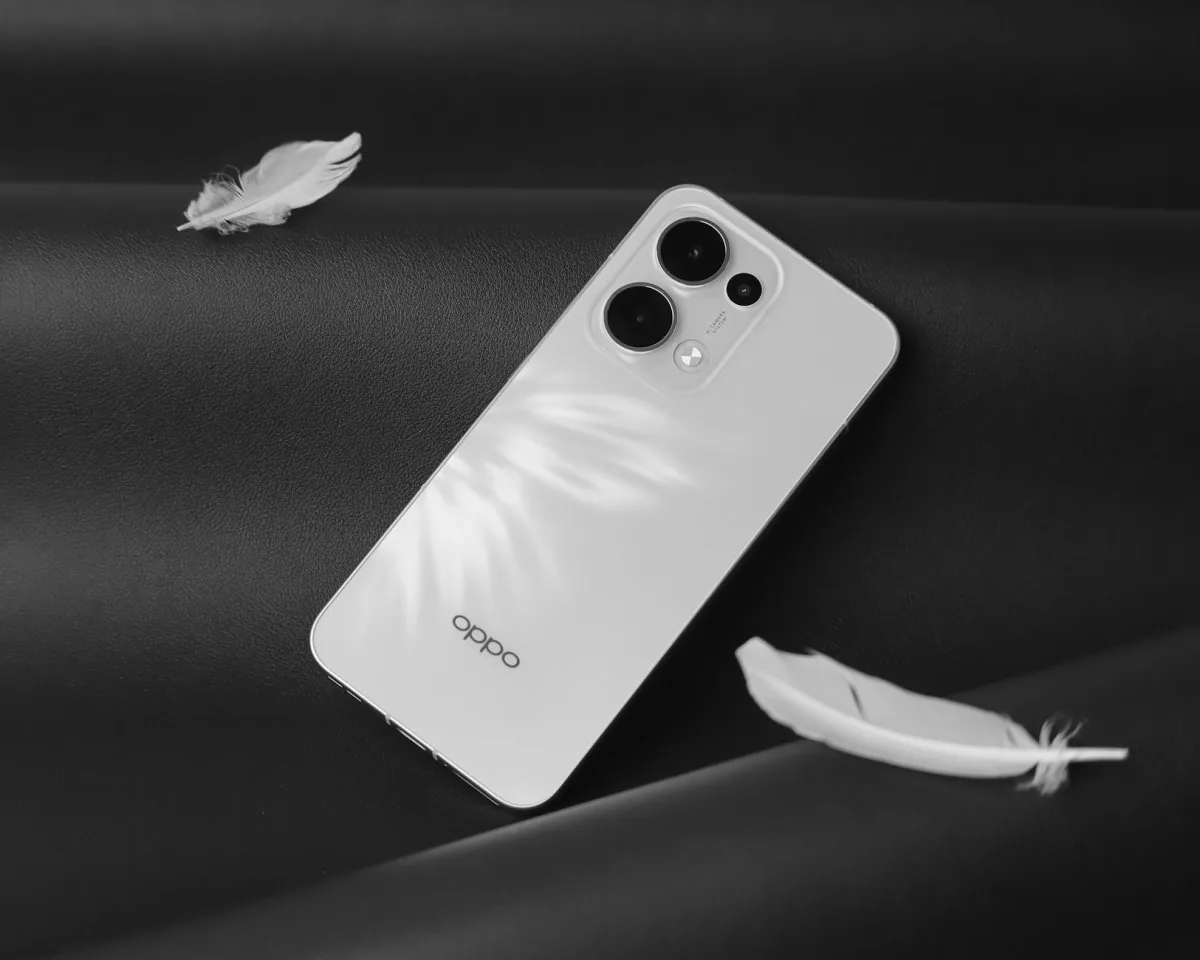
Does OPPO Find X7 Ultra support eSIM
Yes, OPPO Find X7 Ultra supports eSIM — but only in the international version (Global). The Chinese version (CN) does not support eSIM. Before purchasing, clarify the device region.
eSIM specifications
| Parameter | Value |
|---|---|
| eSIM support | Yes (Global version only) |
| Number of eSIM | 1 eSIM |
| Dual SIM (nano + eSIM) | Yes, supported |
| Where EID is located | Settings → About device |
| How to add eSIM | Settings → Connections → SIM card and mobile data |
How to add eSIM to OPPO Find X7 Ultra
- Get a QR code or activation code from your operator.
- Open Settings → Connections → SIM card and mobile data.
- Tap Add eSIM or "+" next to the eSIM section.
- Select Scan QR code and scan the operator's code.
- Confirm adding the profile and wait for activation (usually 1–2 minutes).
- Set eSIM as primary or secondary SIM in the dual SIM settings.
Frequently asked questions
Why is eSIM not working? Most often the reason is the Chinese CN version of the firmware without eSIM support, or your operator does not support eSIM in your country. Check the device version in settings.
How to delete eSIM? Settings → Connections → SIM card and mobile data → select the desired eSIM profile → Delete eSIM. The deleted profile cannot be restored; request a new one from your operator.
Can I transfer eSIM to another phone? No, you cannot transfer it directly. You need to delete the profile on the old device and request a new QR code from your operator for the new phone.
Where to buy eSIM for travel
If you're traveling abroad and need eSIM with internet — it's convenient to purchase at e7m.ru. They have plans for most countries, activation via QR code without a visit to the office.
```