 e7m
e7m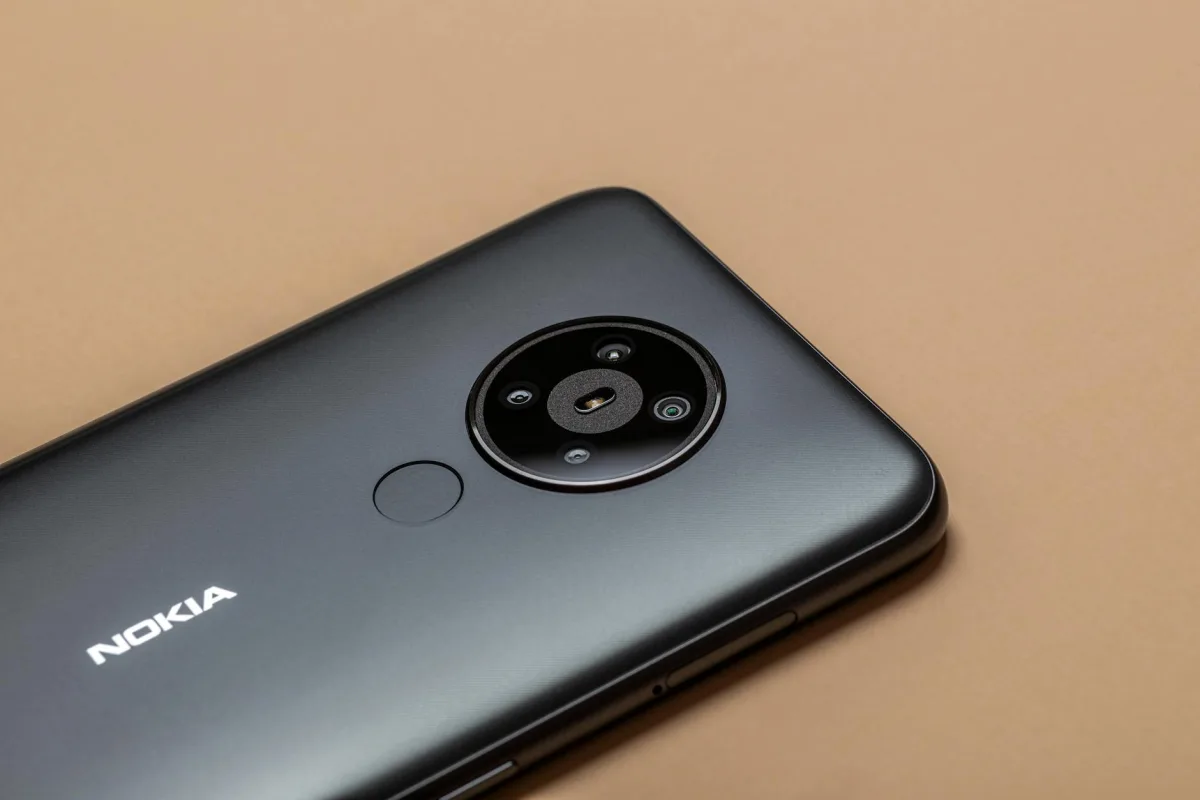
Does Nokia X30 Support eSIM
Yes, Nokia X30 supports eSIM. The device works in Dual SIM mode: one physical nano-SIM and one eSIM simultaneously. Limitation: both SIMs cannot work on 5G at the same time — the second one switches to LTE.
eSIM Specifications
| Parameter | Value |
|---|---|
| eSIM Support | Yes |
| Number of eSIM | 1 active eSIM |
| Dual SIM (nano + eSIM) | Yes |
| Where to Find EID | Settings → About device |
| How to Add eSIM | Settings → Network and Internet → SIM cards |
How to Add eSIM to Nokia X30
- Open Settings → Network and Internet.
- Tap SIM cards, then the + icon next to "Add SIM".
- Select Download SIM card instead of physical.
- Scan the QR code from your operator or enter the activation code manually.
- Confirm the addition and wait for activation (usually up to 2 minutes).
- Assign eSIM for calls, SMS or mobile data in SIM settings.
Frequently Asked Questions
Why won't eSIM activate? Check that your operator supports eSIM in your country, and the profile hasn't been activated on another device — most eSIM profiles are single-use.
How do I delete eSIM? Settings → Network and Internet → SIM cards → select eSIM → Delete SIM. After deletion, the profile cannot be restored.
Can I transfer eSIM to another phone? No, a standard eSIM profile is tied to the device. For a new phone, you need to issue a new profile from your operator.
Where to Buy eSIM for Travel
For travel, it's convenient to buy a tourist eSIM in advance on the website e7m.ru — there are plans for most countries, activation via QR code in just a few minutes.
```