 e7m
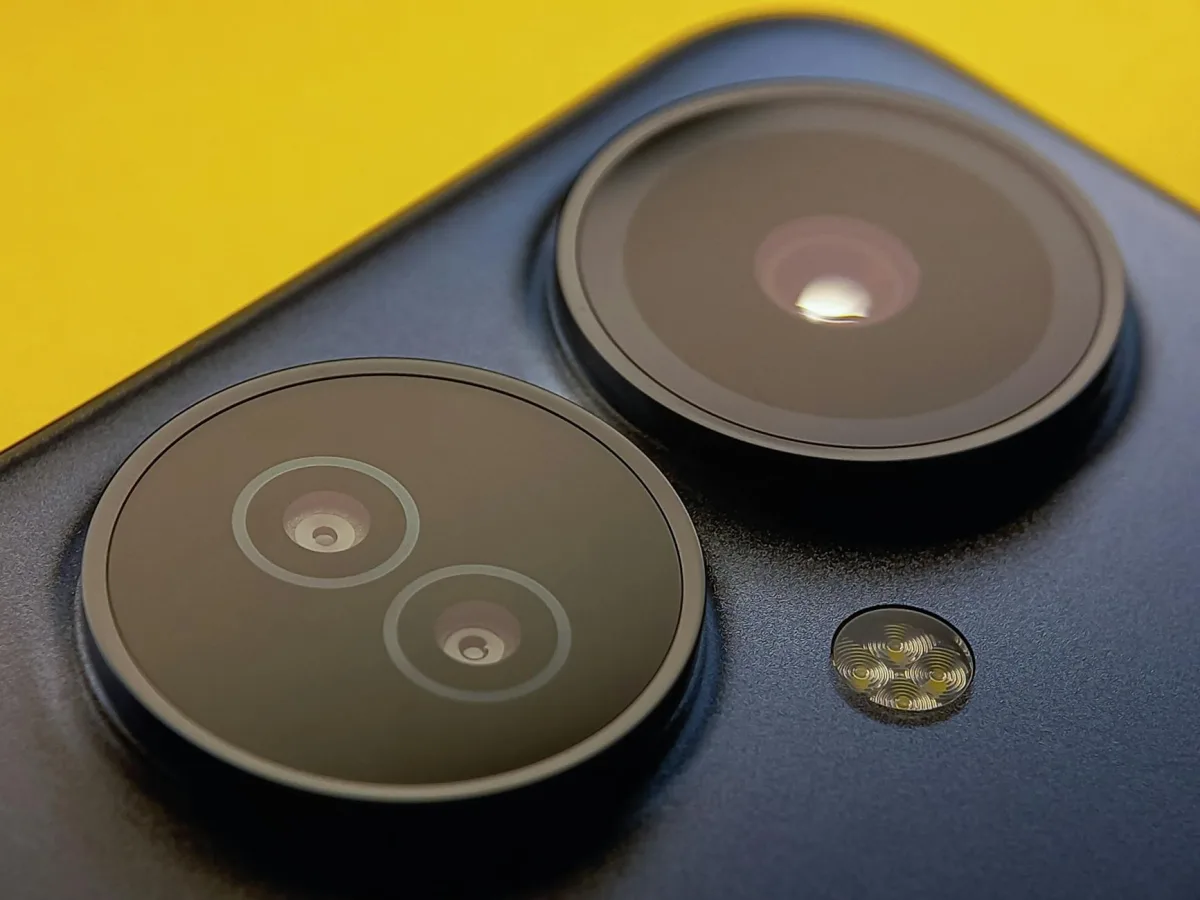
Does Moto G84 Support eSIM
Yes, Moto G84 supports eSIM. The device works in Dual SIM mode: one physical nano-SIM and one eSIM simultaneously. Limitation: eSIM support depends on the sales region — versions for some markets may not have it. Check before purchasing.
eSIM Specifications
| Parameter | Value |
|---|---|
| eSIM Support | Yes |
| Number of eSIMs | 1 active eSIM |
| Dual SIM (nano + eSIM) | Yes |
| Where to Find EID | Settings → About Device |
| How to Add eSIM | Settings → Network and Internet → SIM Cards |
How to Add eSIM to Moto G84
- Open Settings → Network and Internet.
- Tap SIM Cards, then the + icon next to "Add SIM".
- Select Download SIM Card (eSIM).
- Scan the QR code from your operator or enter the activation code manually.
- Wait for the profile to download and confirm activation.
- If needed, select eSIM as the primary SIM for data or calls.
Frequently Asked Questions
Why won't eSIM activate? Check if your operator supports eSIM and the phone isn't locked to a specific provider. Also make sure the QR code hasn't been used before — each code is single-use.
How do I delete eSIM? Settings → Network and Internet → SIM Cards → select eSIM → Delete SIM. After deletion, the profile cannot be recovered — you can only get a new one from your operator.
Can I transfer eSIM to another phone? No, you can't transfer it directly. You need to contact your operator for a new QR code for the other device.
Where to Buy eSIM for Travel
For travel, it's convenient to use a tourist eSIM — no need to look for a local SIM card upon arrival. You can choose a plan for the country or region you need at e7m.ru: activation via QR code in a few minutes, compatible with Moto G84.
```