 e7m
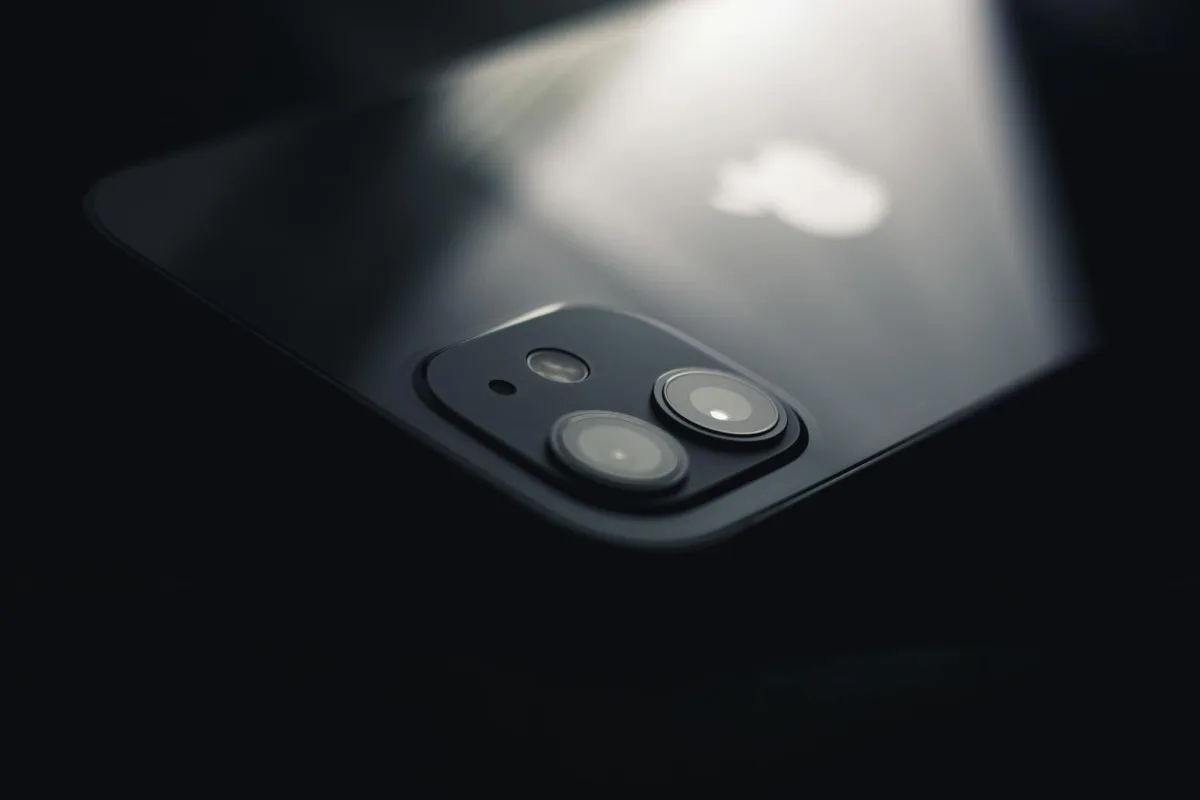
Does iPhone XS Max support eSIM
Yes, iPhone XS Max supports eSIM. The exception is models sold in China (mainland China): they do not have eSIM hardware. In all other regions, eSIM works and allows you to use two SIMs simultaneously: a physical nano-SIM and an eSIM.
eSIM specifications for iPhone XS Max
| Parameter | Value |
|---|---|
| eSIM support | Yes (except Chinese models) |
| Number of eSIMs | 1 active eSIM |
| Dual SIM (nano + eSIM) | Yes |
| Where to find EID | Settings → About Device |
| How to add eSIM | Settings → Cellular → Add Cellular Plan |
How to add eSIM to iPhone XS Max
- Open Settings → Cellular.
- Tap Add Cellular Plan.
- Scan the QR code from your operator with the camera or enter the details manually through Enter Details Manually.
- Tap Next and wait for activation — this takes up to 2 minutes.
- Assign a label to the number (for example, "Travel" or "Work").
- Choose which number to use by default for calls and data.
Frequently asked questions
Why won't eSIM activate? Check your internet connection, make sure the QR code hasn't been used before — most eSIMs are single-use. Restart your iPhone and try again.
How to delete eSIM? Settings → Cellular → select the desired plan → Delete Cellular Plan. After deletion, you won't be able to restore the same QR code — you'll need a new one from your operator.
Can I transfer eSIM to another iPhone? No, eSIM is tied to the device. When changing phones, you need to get a new eSIM from your operator.
Where to buy eSIM for travel
If you need an eSIM for travel — tourist plans with coverage in 190+ countries are available at e7m.ru. Purchase online, QR code arrives immediately, activation in 2 minutes right on your iPhone XS Max.