 e7m
e7m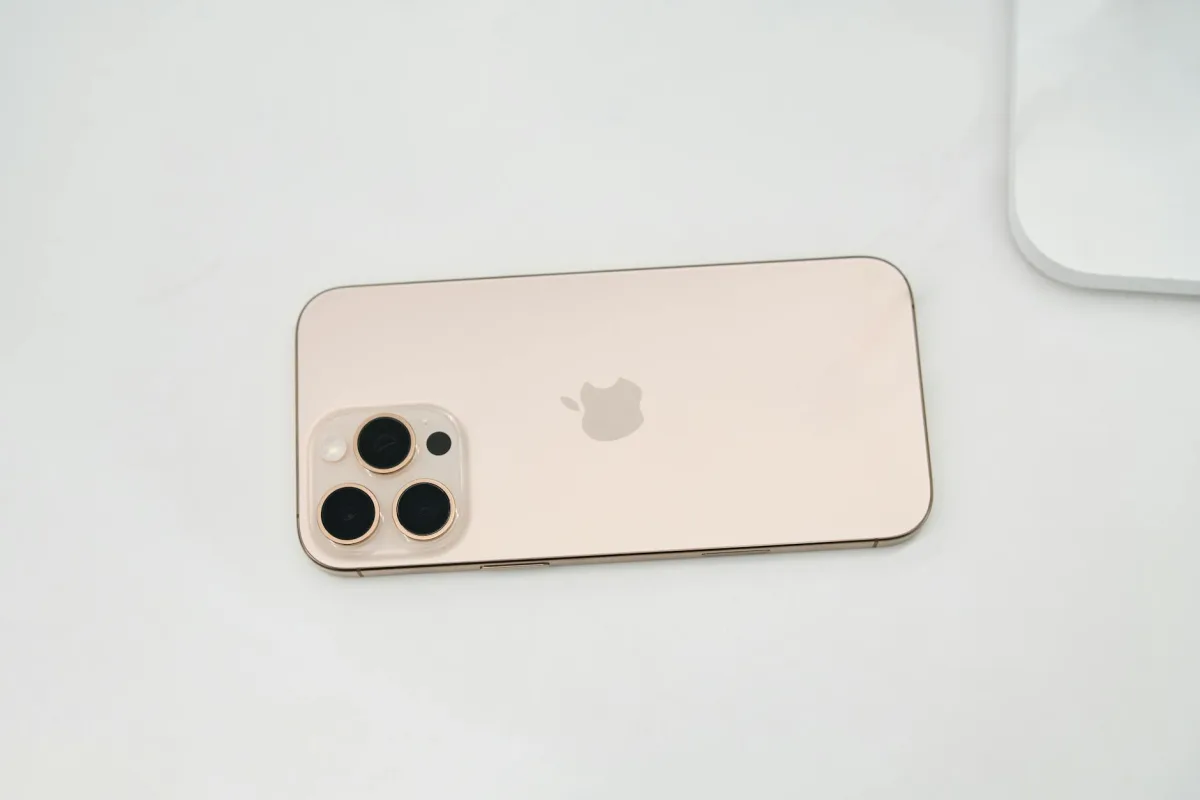
Does iPhone 12 Pro Max support eSIM
Yes, iPhone 12 Pro Max supports eSIM. You can use a physical nano-SIM and eSIM simultaneously. Exception: models sold in China do not have eSIM support.
eSIM Specifications
| Parameter | Value |
|---|---|
| eSIM support | Yes |
| Number of eSIMs | Up to 8 saved, 1 active at a time |
| Dual SIM (nano + eSIM) | Yes |
| Where to find EID | Settings → About |
| How to add eSIM | Settings → Cellular → Add Plan |
How to add eSIM to iPhone 12 Pro Max
- Open Settings → Cellular.
- Tap Add Cellular Plan.
- Choose a method: scan the carrier's QR code or enter details manually.
- Point the camera at the QR code — iPhone will automatically recognize the profile.
- Tap Continue and confirm the addition.
- Choose which number to use for calls, SMS, and internet.
Frequently Asked Questions
Why doesn't eSIM work? Check that your device is unlocked (not locked to another carrier). Also make sure eSIM is activated in Settings → Cellular.
How to delete eSIM? Settings → Cellular → select the desired plan → Delete Plan. After deletion, you cannot restore the same profile — you will need a new QR code from your carrier.
Can I transfer eSIM to another iPhone? No, eSIM is tied to the device. When changing phones, you need to request a new profile from your carrier.
Where to buy eSIM for travel
For travel, it's convenient to buy a tourist eSIM in advance — without queues and physical cards. You can choose a suitable plan for the country you need on e7m.ru: online activation, QR code arrives immediately after payment.
```