 e7m
e7m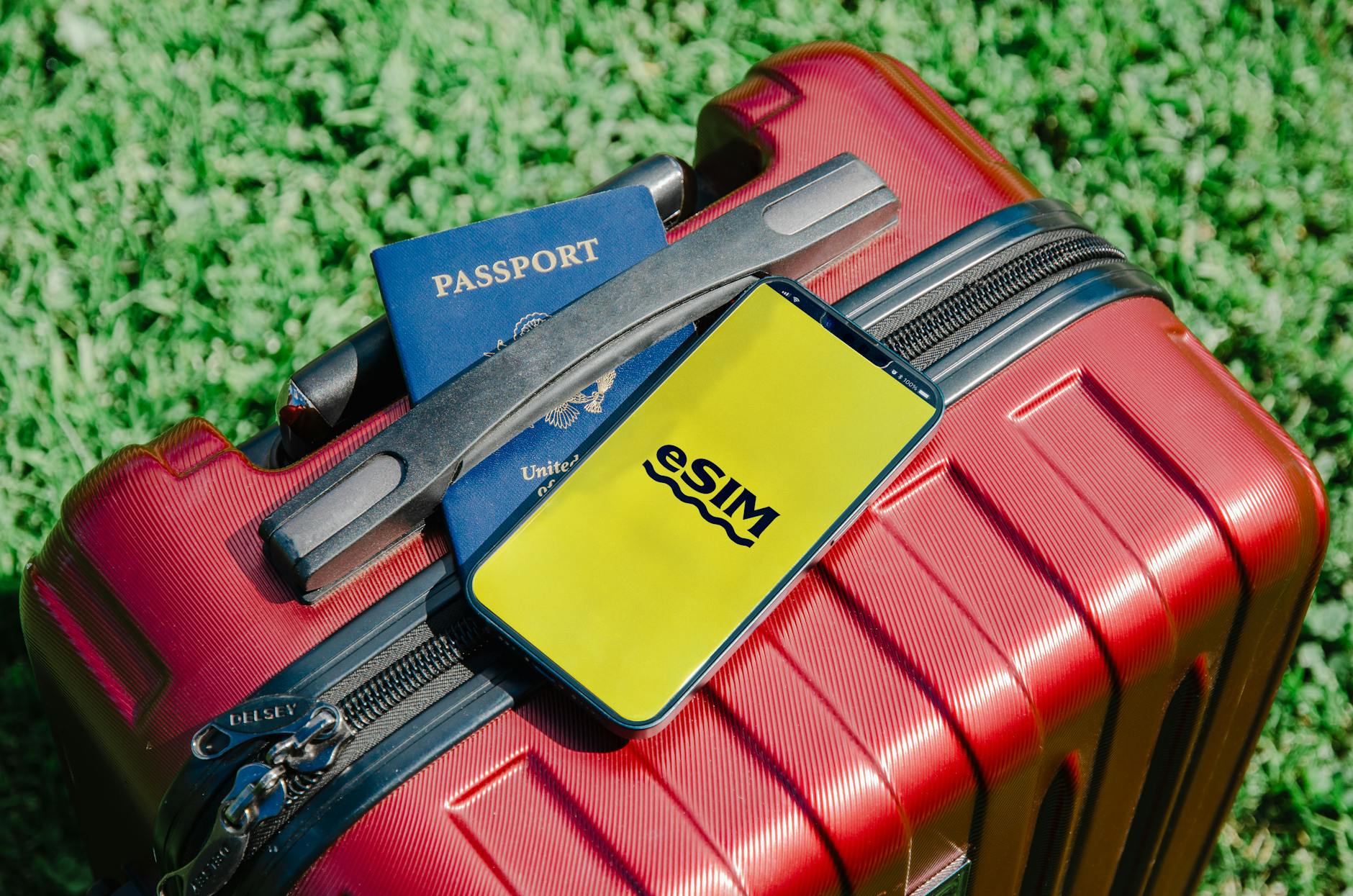
🔍 What is eSIM and Physical SIM
A physical SIM card is a small plastic chip that you insert into your smartphone's tray. You need to buy it at a store or mobile shop, change it manually, and keep it in your wallet.
eSIM (embedded SIM) is a built-in chip inside your phone that is activated remotely via QR code or an app. No plastic, no visits to the operator's office.
⚖️ Advantages and disadvantages of each option
Physical SIM card:
- ✅ Works in any phone without restrictions
- ✅ Can be purchased right at the airport of your destination
- ✅ Easy to pass to another person
- ❌ You need to physically change the card — easy to lose
- ❌ Roaming may be blocked by the operator
- ❌ Queues and language barriers when buying abroad
eSIM:
- ✅ Purchase and activation online 5 minutes before your flight
- ✅ You can store multiple profiles and switch between them
- ✅ Your primary card remains active in parallel
- ❌ Not supported by all smartphones
- ❌ Some operators don't support the technology yet
«eSIM is especially convenient if you travel frequently: figure it out once — and switch plans with a button press right in the settings.»
📱 How to check device compatibility
Before buying an eSIM, make sure your smartphone supports it. Use the universal USSD code for this:
- Open the Phone app on your device.
- Dial *#06# on the keypad and press call.
- Information about your IMEI will appear on the screen. If your device supports eSIM, you will see a line with EID (Embedded Identity Document) — a long numeric code of 32 digits.
- The presence of EID confirms: your phone is ready to work with eSIM.
🚀 How to connect eSIM: step-by-step guide
- Choose and pay for a plan from an eSIM provider.
- Receive the activation QR code via email or in your personal account.
- On iPhone: open "Settings → Cellular → Add Cellular Plan", click "Use QR Code" and point your camera.
- On Android: "Settings → Network and Internet → SIM cards → Add", then scan the QR code.
- Follow the on-screen instructions, choose when to use eSIM (always or only when roaming).
- Done — eSIM is activated, calls and internet are working.
🌐 Where to buy eSIM for travel
Today there are many services for purchasing tourist eSIM online. One convenient option is e7m.ru, where you can select a plan for a specific country or region, pay by card, and get a QR code instantly.
✈️ Conclusion: what to choose
If you have a modern smartphone (iPhone XS and newer, most Android flagships from 2020 onwards) — eSIM is definitely more convenient for travel: fast purchase, instant activation, no risk of losing your card.
Physical SIM is still relevant for budget phones, elderly travelers, or countries with limited eSIM operator coverage.
The main rule: check the EID using *#06#, make sure eSIM is supported — and confidently switch to the digital format.
```