 e7m
e7m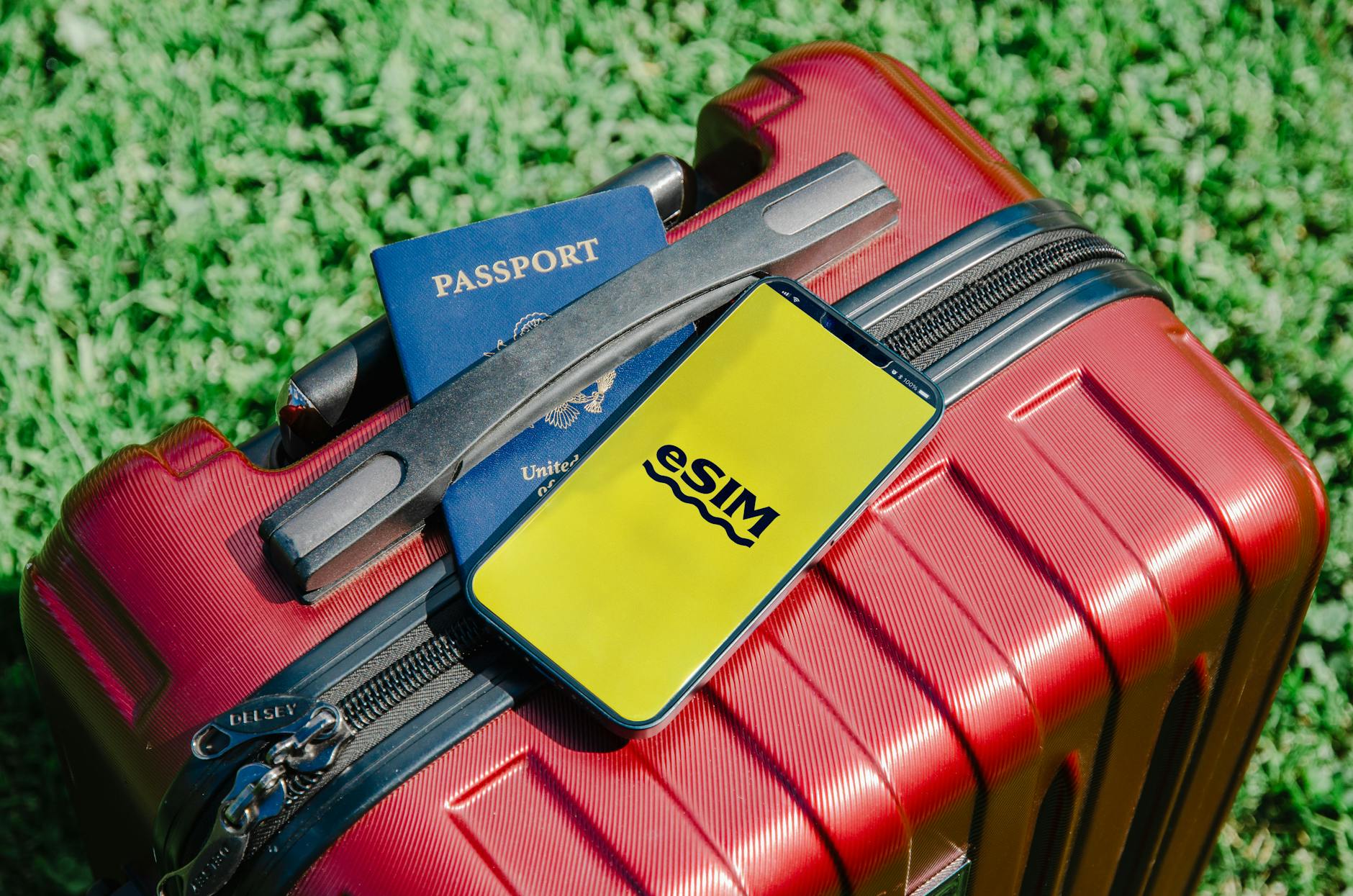
```html
What is eSIM and why you need it
eSIM is an embedded SIM card that you activate using a QR code. No physical changes needed. Convenient for travel: buy a local plan online, scan the code — and you're connected. Roaming from a Russian operator costs 3–10 times more.
Step-by-step instructions
- Check if your phone supports eSIM (see below).
- Choose a country and approximate data volume: 1–3 GB per week is enough for maps and messengers.
- Compare plans by validity period, volume, and coverage — some packages work in several countries at once.
- Pay online and get a QR code to your email.
- Install eSIM in advance, at home: Settings → Cellular → Add Plan → Scan QR.
- At the airport, just switch to the new profile.
💡 Tip: install eSIM when you have Wi-Fi. Profile loading may not work on roaming.
Common user mistakes
- Buy a plan only by price without checking coverage of the needed region.
- Activate eSIM right after arrival — waste roaming on profile loading.
- Forget to disable data transfer on the main Russian SIM — unexpected bill arrives.
- Take too small a package and buy more at triple the price from the same provider.
How to check compatibility using *#06#
Dial *#06# on your phone. If your device supports eSIM, a window will appear with a line EID — a 32-digit number of the embedded chip. No EID — eSIM is not supported. You can also go to: Settings → General → About and find the EID line there.
Where to buy eSIM
You can find a plan for your country, dates, and needed data volume on e7m.ru — a catalog of eSIM for popular tourist destinations with payment in rubles and instant delivery of QR code.
```